

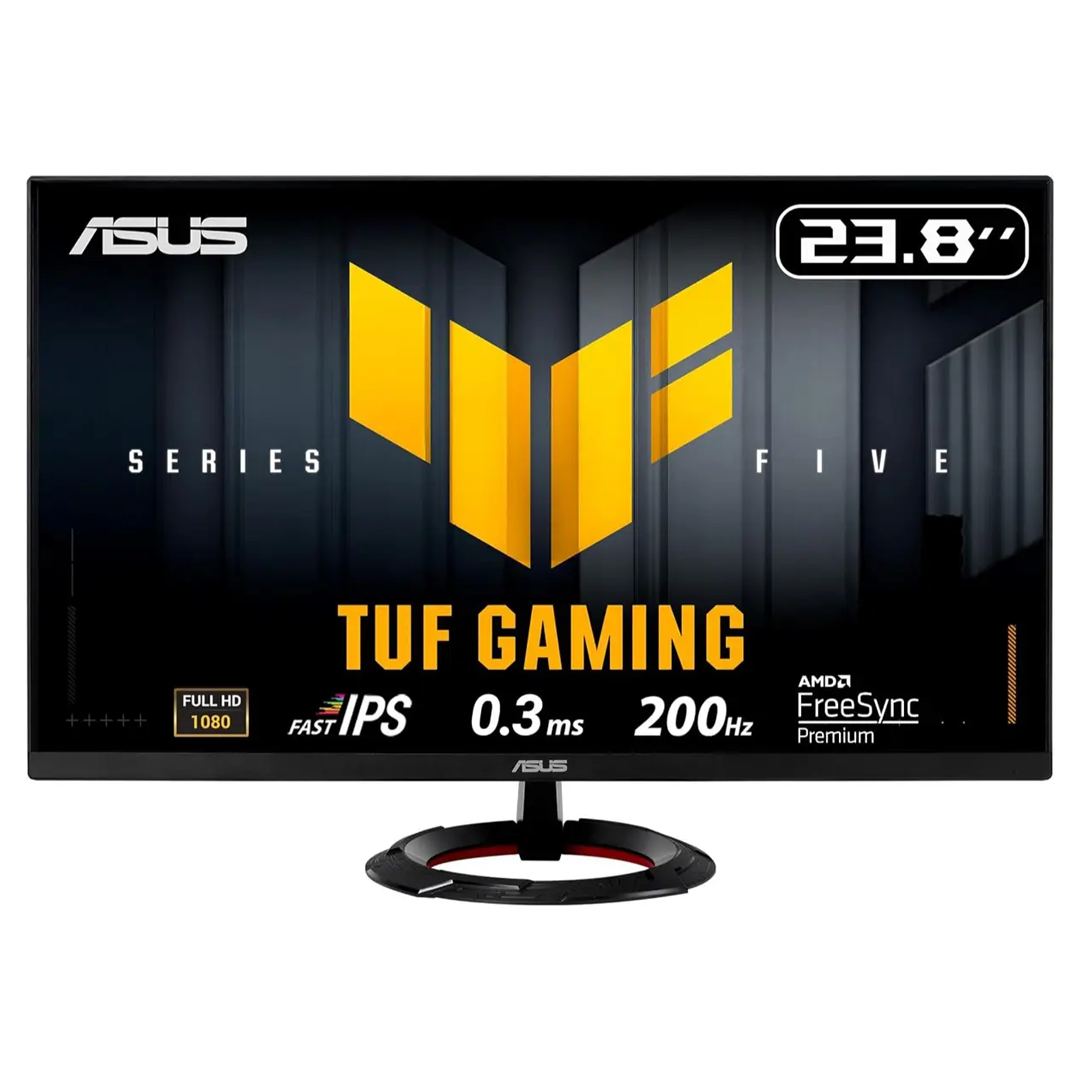
 ASUS TUF VG249Q5R GAMING MONIT...
65.00.د.ب
Out of stock
65.00.د.ب
ASUS TUF VG249Q5R GAMING MONIT...
65.00.د.ب
Out of stock
You must connect the monitor using the DisplayPort cable, and your graphics card must support 200Hz output. Once connected, go to your PC display settings (Windows) and set the refresh rate to 200Hz manually.
No, it does not feature High Dynamic Range (HDR) certification.
Yes, it features two 2W built-in speakers. However, for a more immersive audio experience, plugging external speakers or a headset into the earphone jack is recommended.
Jamel Islam –
Very Good for gaming. Recommended for gamers.
صلاح إبراهيم –
ربما تكون أفضل شاشة ألعاب، وهي مناسبة للميزانية أيضاً.
Jane Peinao –
Not adjustable, but still a decent monitor for the price